You haven't signed in yet, you can have a better experience after signing in
*Please complete the payment within {{receiveCouponInfo.expire_at}}Previous use*
You haven't signed in yet, you can have a better experience after signing in
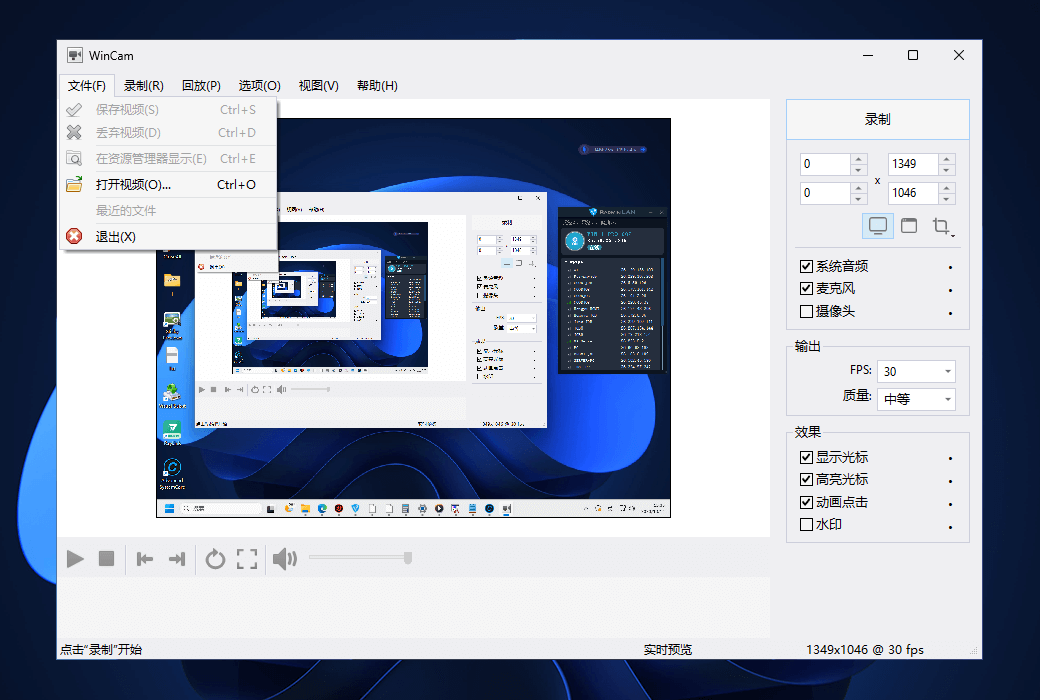
 WinCam Screen Window Camera Video Recording Tool Software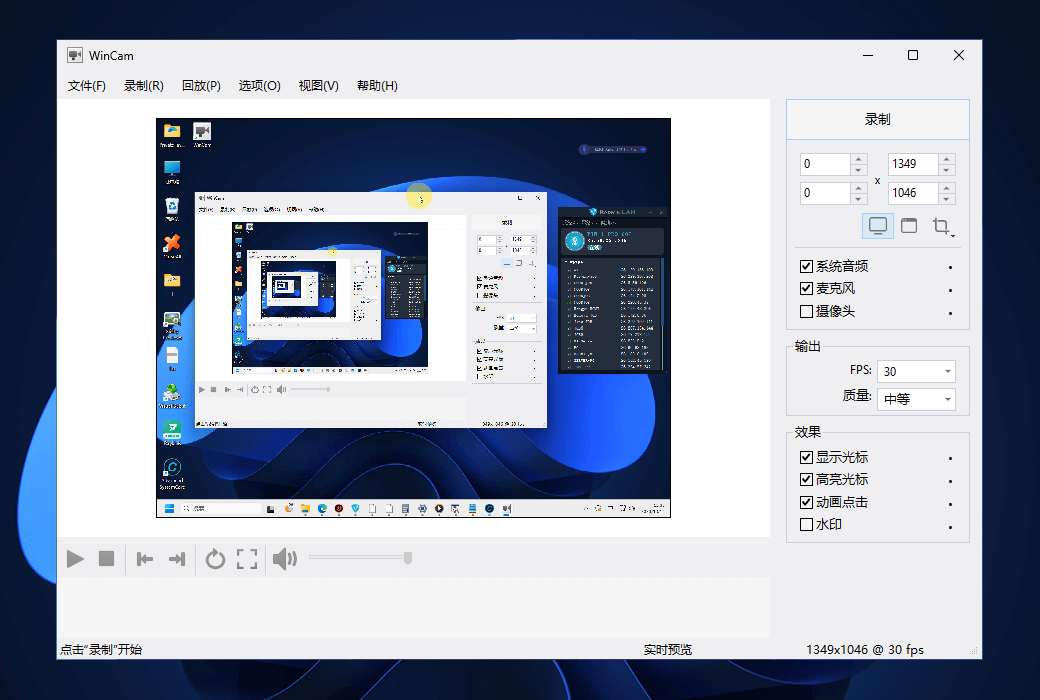


Activity Rules
1、Activity time:{{ info.groupon.start_at }} ~ {{ info.groupon.end_at }}。
1、Activity time:cease when sold out。
2、Validity period of the Group Buying:{{ info.groupon.expire_days * 24 }} hours。
3、Number of Group Buying:{{ info.groupon.need_count }}x。
Please Pay Attention
1、Teamwork process: Join/initiate a Group Buying and make a successful payment - Within the validity period, the number of team members meets the activity requirements - Group Buying succeeded!
2、If the number of participants cannot be met within the valid period, the group will fail, and the paid amount will be refunded in the original way.
3、The number of people required and the time of the event may vary among different products. Please pay attention to the rules of the event.
Lightning fast screen recording, creating video tutorials in minutes using WinCam
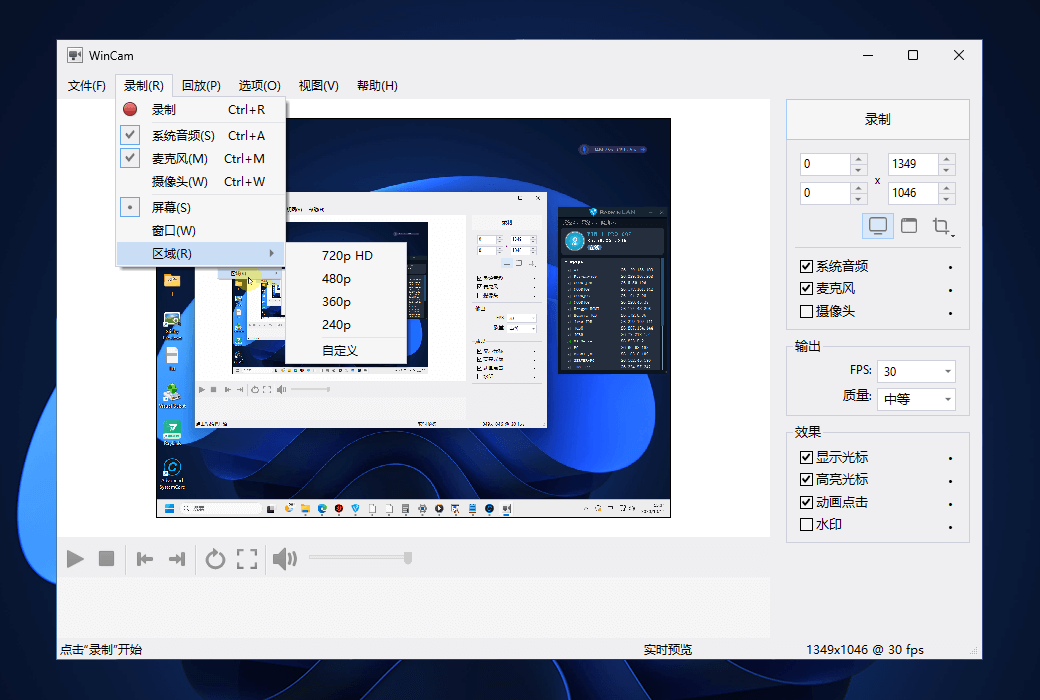
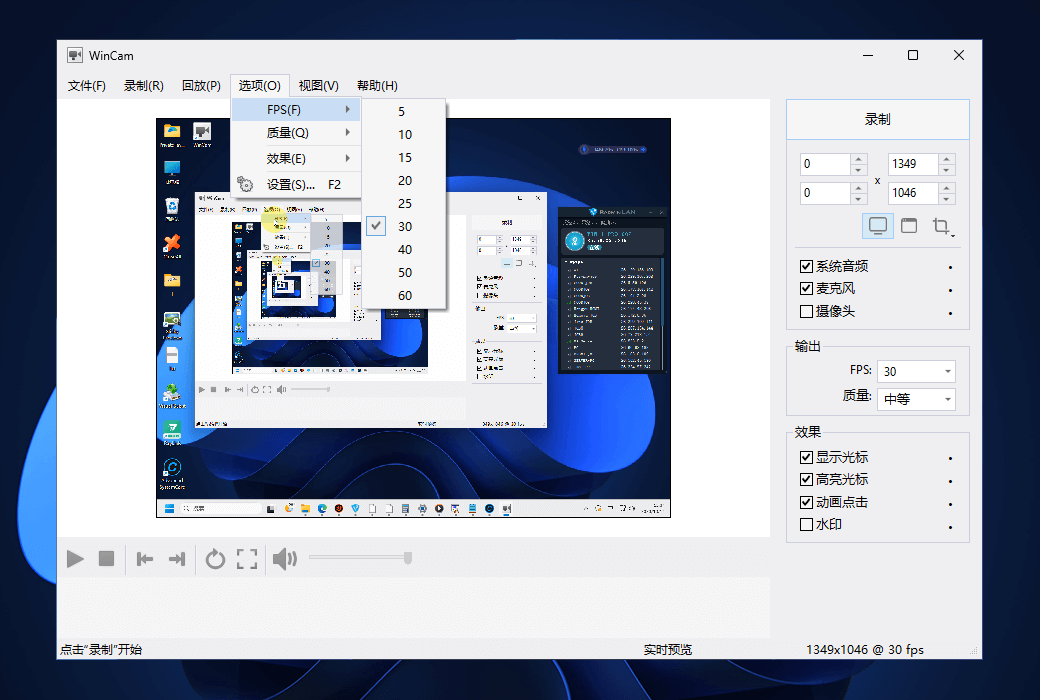
WinCam is a powerful and extremely user-friendly Windows screen recorder. It can handle a given application, an area, or the entire screen, and record everything that happens within it. WinCam can capture up to 60 frames of data per second, ensuring that your recording doesn't miss anything small, while hardware acceleration makes it truly easy to render and encode videos in real-time.
The design of WinCam is as simple as possible, with features that can be used for almost any purpose: recording video tutorials, saving Skype calls, capturing various media in real-time, and creating visual content with just one click of a button.
Real-time Preview
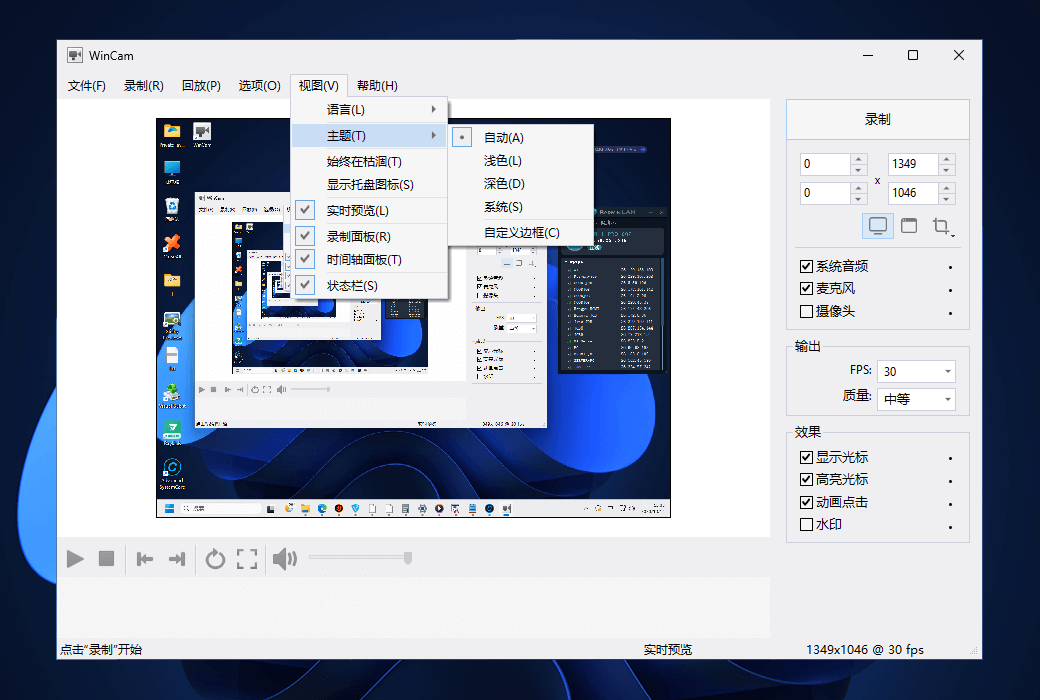
WinCam adopts the same design philosophy as WinSnap (our screenshot creator). In the right pane, you can adjust the video source, frame rate, and post-processing effects, and preview these changes immediately without starting recording.
Cursor zoom, highlight, and click animations
When creating a tutorial, you can make the cursor pop up by adjusting the cursor size, adding highlight effects, and mouse click animations. Alternatively, when recording live videos, you may want to completely hide distracting cursors.
System audio and microphone
With WinCam, you can record system audio, microphone, or both simultaneously. The selected audio signal will be automatically resampled to achieve optimal quality, mixed with the video, and encoded in real-time.
Basic video editing
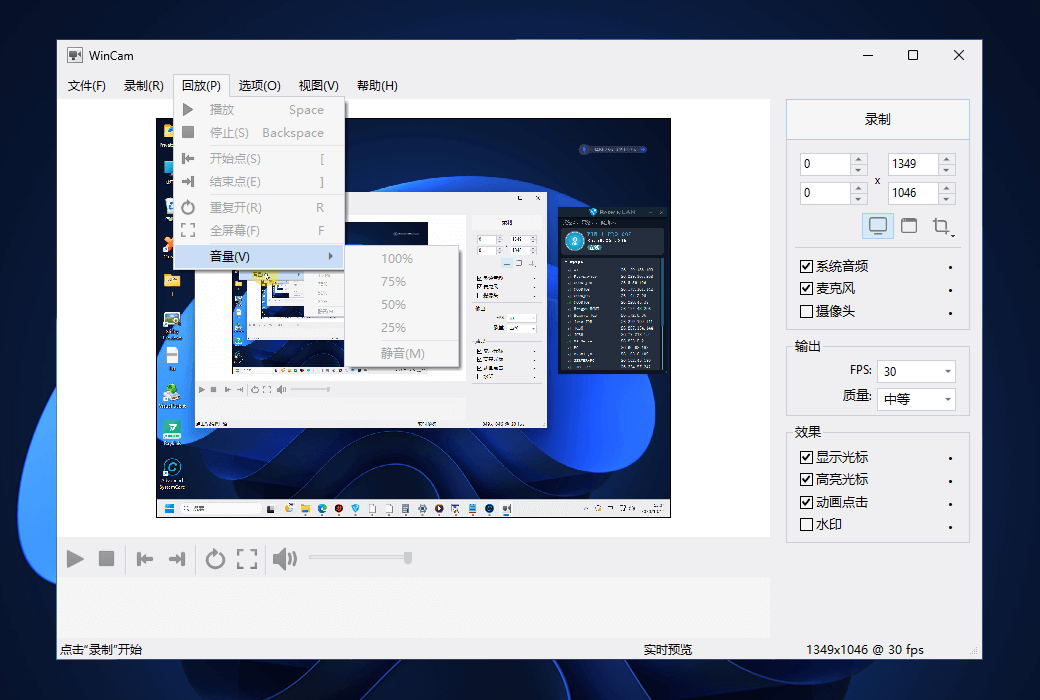
After recording, you can preview and perform some basic editing directly in WinCam. Double click on the timeline or use the corresponding toolbar buttons to set the start and end times for the video. Then click the "Save" button to save the clip as a copy or overwrite the original video.
Official website:https://www.ntwind.com/software/wincam.html
Download Center:https://wincam.apsgo.cn
Backup Download:N/A
Delivery time:Manual online processing
Operating platform:Windows
Interface language:Supports traditional Chinese interface display, with multiple languages available.
Update instructions:The manufacturer promises a one-time purchase with lifelong updates and upgrades.
Pre purchase trial:Free trial before purchase.
How to receive the goods:After purchase, the activation information will be sent to the email address at the time of placing the order, and the corresponding product activation code can be viewed in the personal center, My Orders.
Number of devices:Can install 1/3 computers, depending on the license purchased.
Replacing the computer:Uninstall the original computer and activate the new computer.
Activation guidance:To be added.
Special instructions:To be added.
Reference materials:https://www.ntwind.com/software/wincam/register.html

Any question